Calendars, chores, lists, meals and routines in one calm place: on a tablet on the wall, on every phone, and simple enough for kids. Free, open source, and on your own server, so it stays yours.
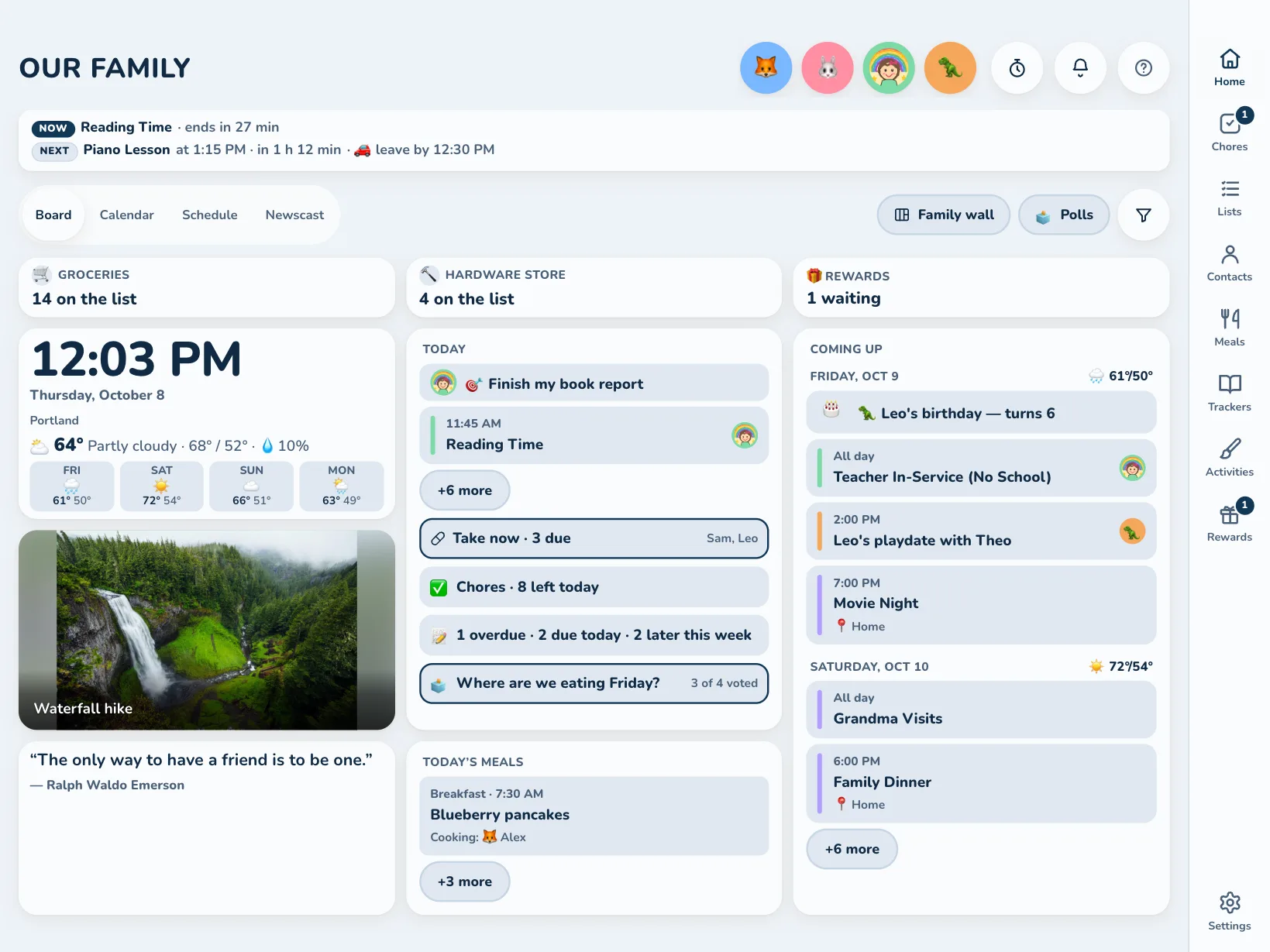
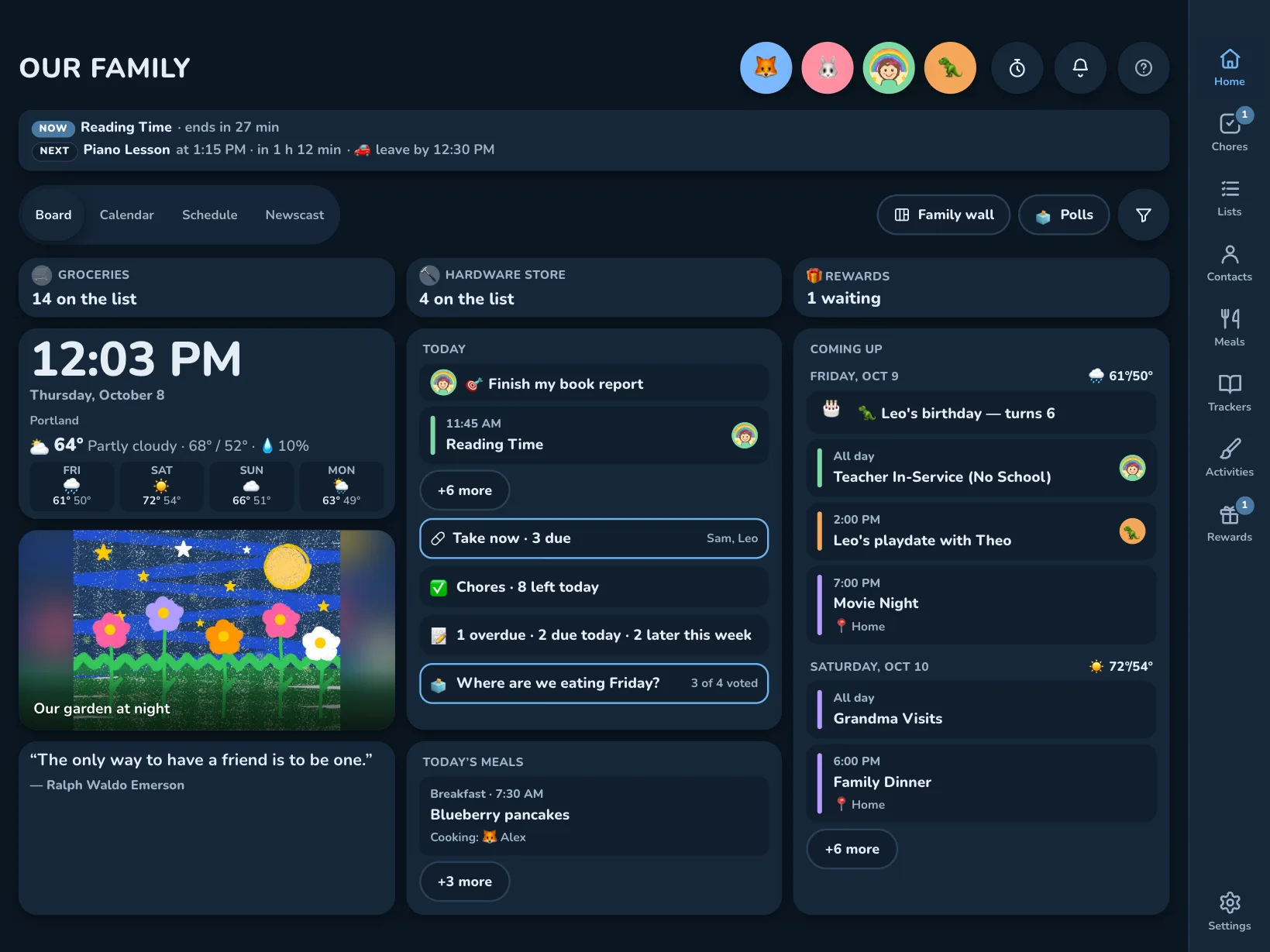
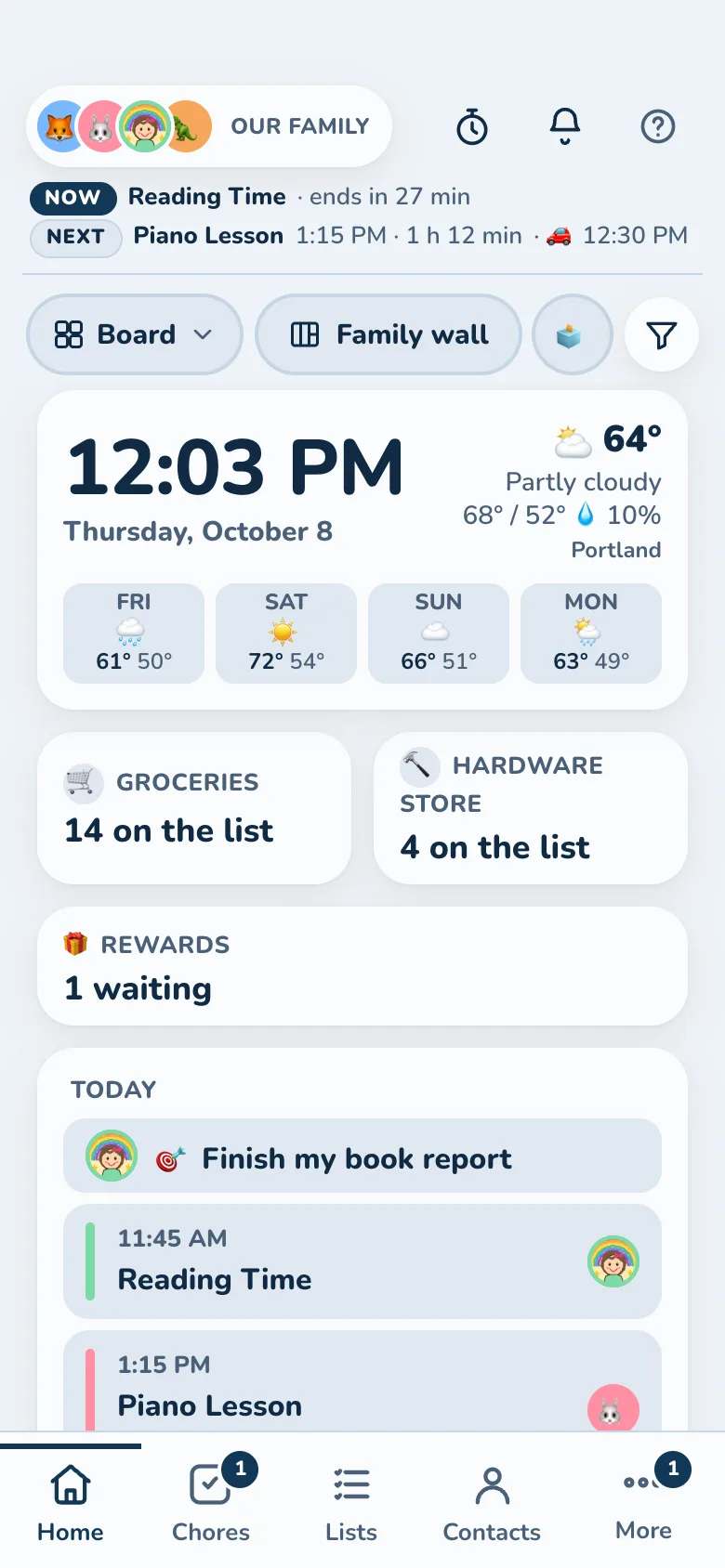
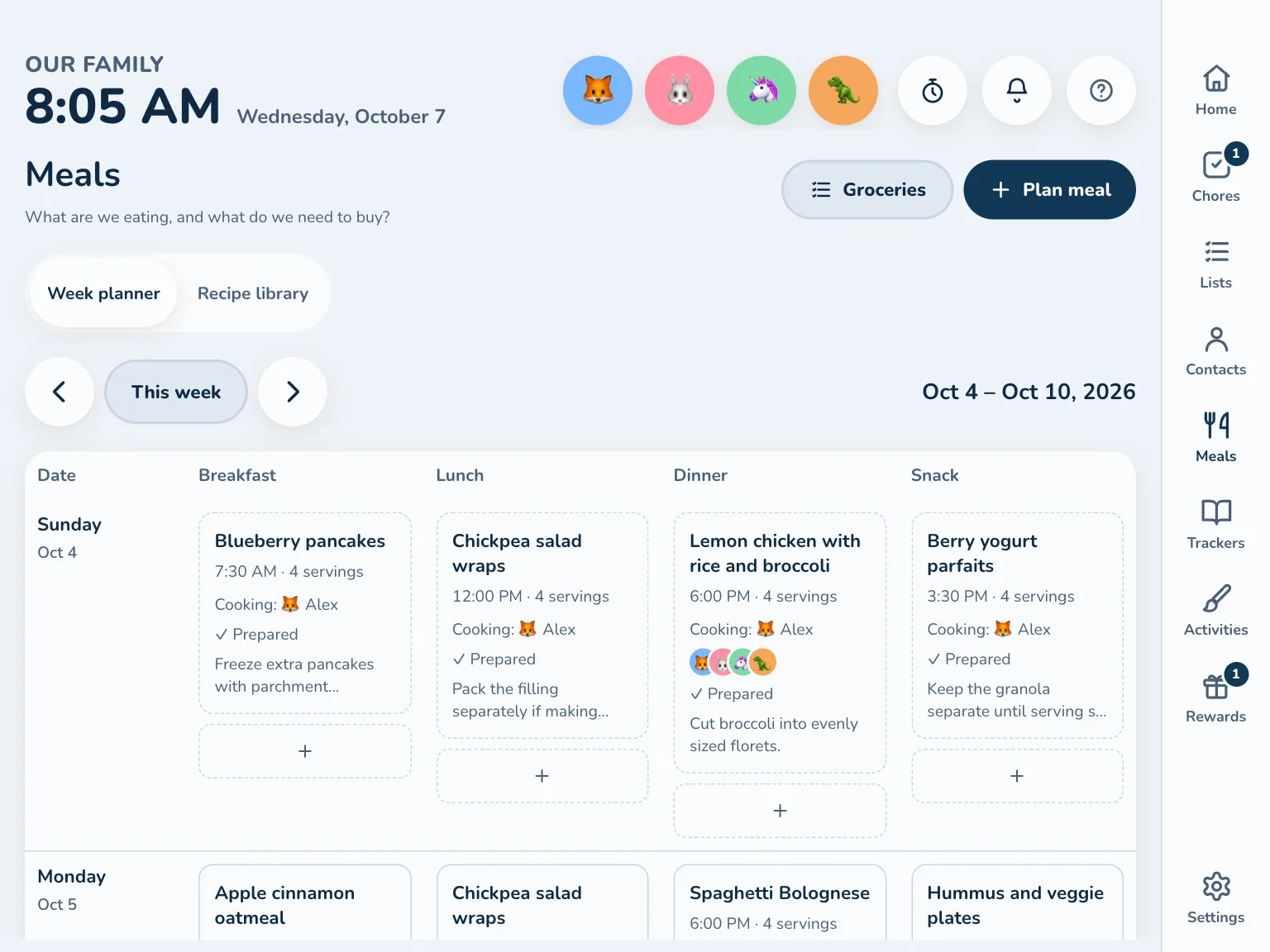
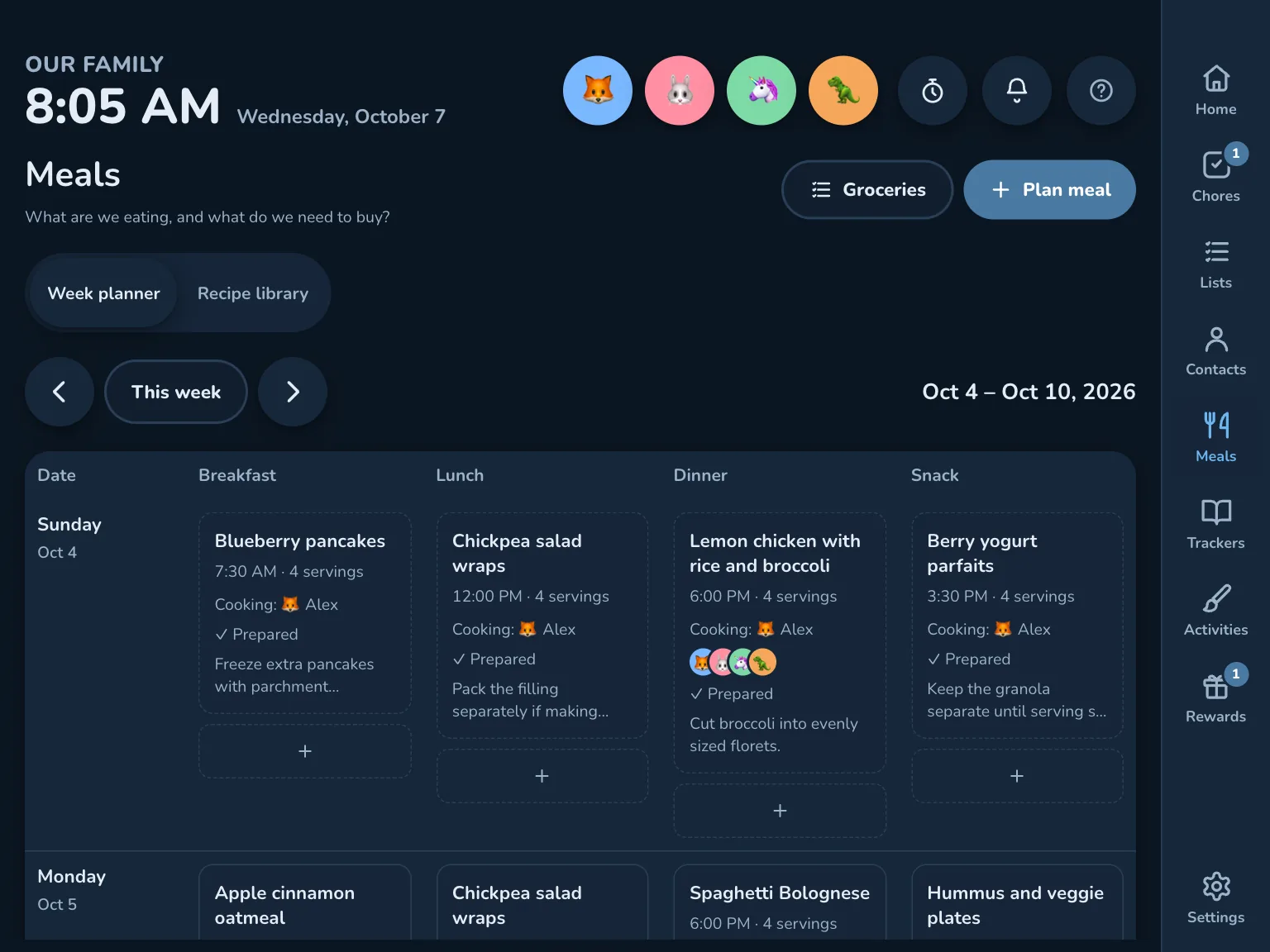
The Board, in Peacock, Kinwall's default look. Everything here is the demo family.
One place for the family's life
Not one more app for one busy grown-up. Kinwall is where the whole household keeps its plans, jobs, lists, meals, medicines, contacts and memories, so nobody has to carry it all in their head.
🖼️
The wall shows it
Today, what's next, who's doing what and what's for dinner, readable from across the kitchen.
📱
Every phone carries it
Add to the grocery list in the store, move practice from work, get the reminder when it's time to leave. Share a recipe, a menu or a party invite to Kinwall and it lands in the right place.
🧒
Kids can do it themselves
Their own chores, routines and rewards, on the wall or their own tablet, without a grown-up in the loop for every tap.
What lives in Kinwall
Use all of it or just a few parts. Turn off what you don't use and it disappears from every screen.
The Board
The first thing every screen shows, readable from across the room.
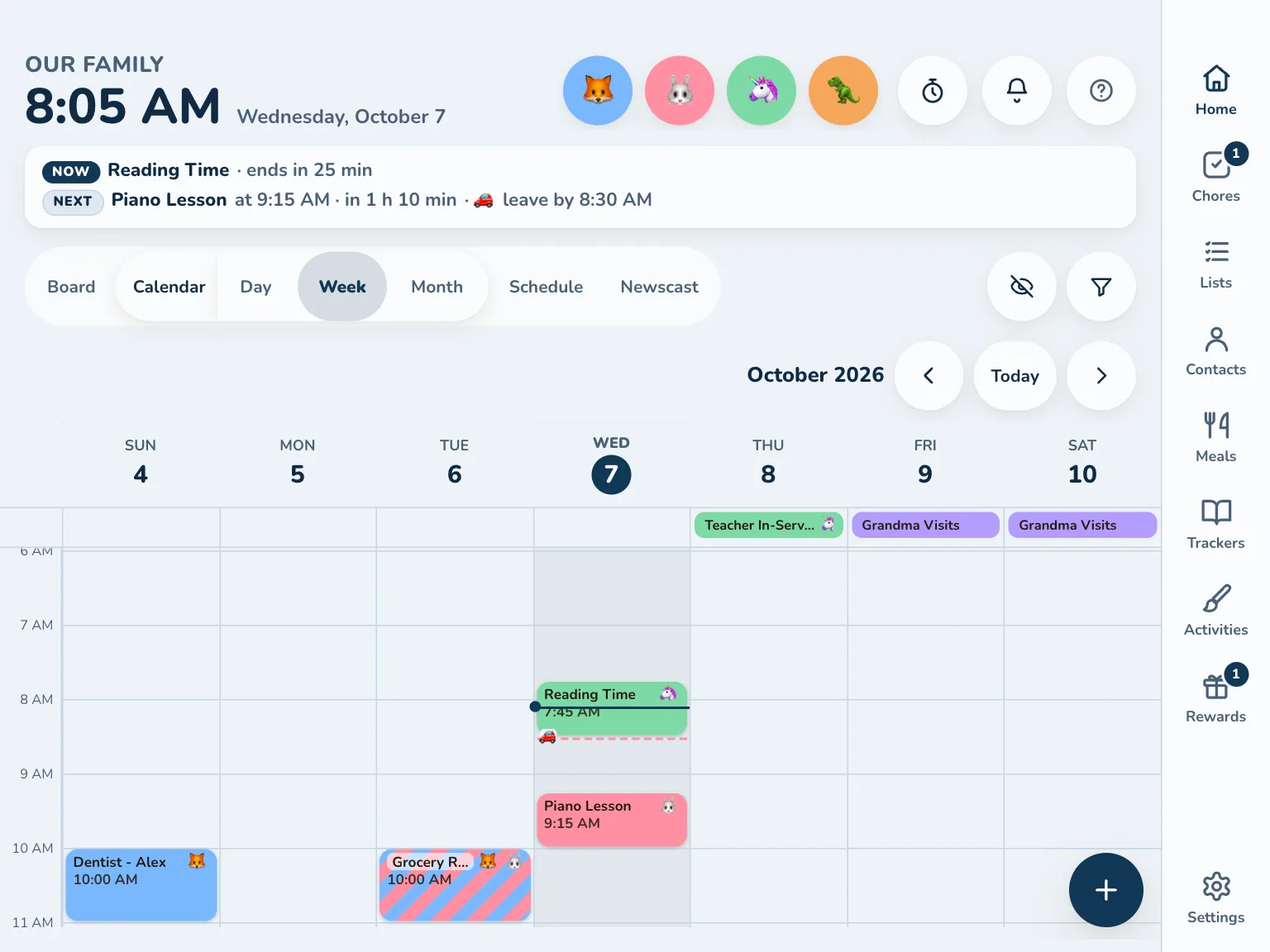
Google, Outlook and iCloud sync both ways, free/busy included. ICS feeds (school, clubs, teams) are read-only.
🧹
Only what matters
Filter a calendar by keyword, skip all-day noise, or hide one event or a whole series. Connecting calendars.
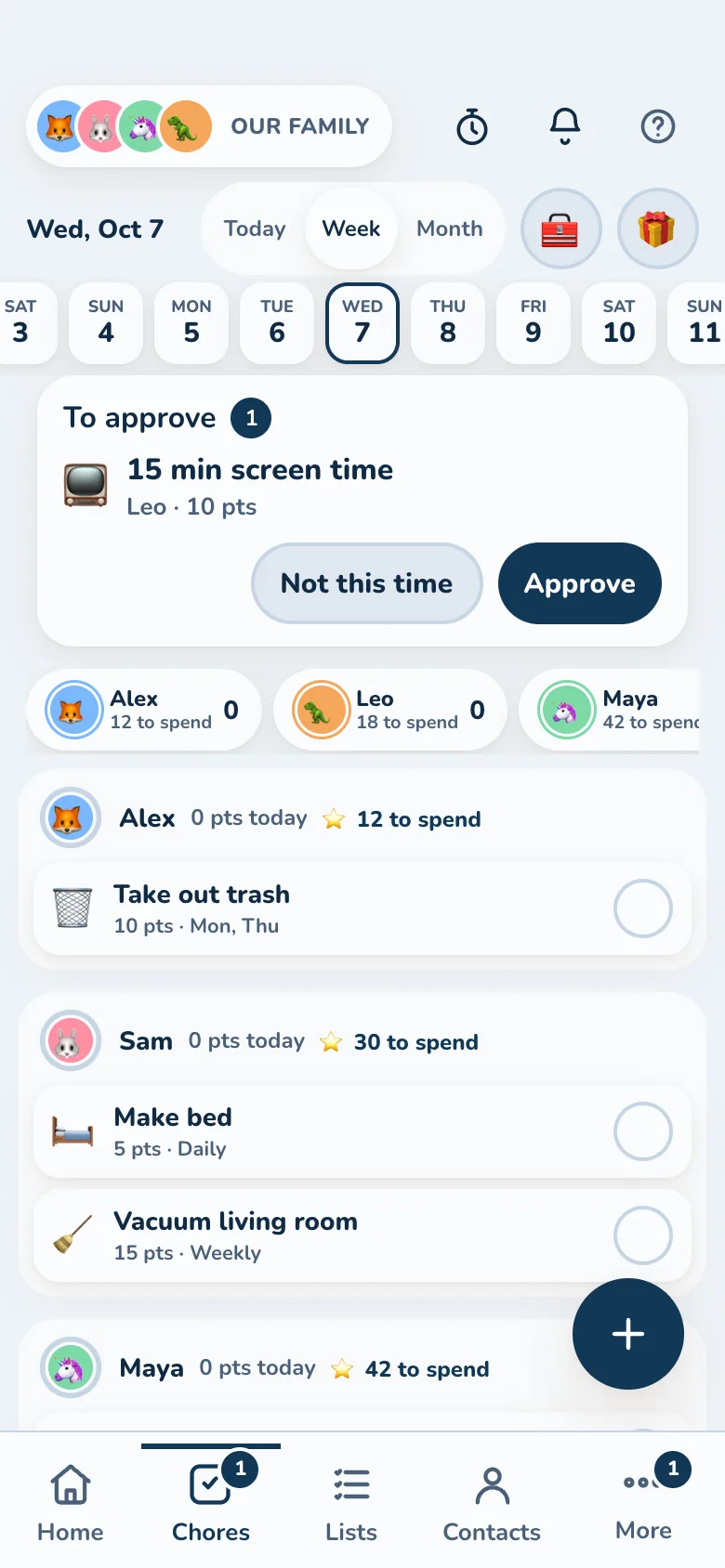
Kids can manage their own day
Kinwall is built to be used by kids, not just about them. No ads, no streak guilt, no dark patterns.
🧒
A device of their own
Pair a tablet as a kid's device: it shows only their events, chores and lists, and grown-up settings stay behind a parent's passkey.
⭐
Chores that forgive
Late still earns partial credit, and a streak survives an off day. Kids ask for a reward, and a parent can OK it.
🗳️
Everyone gets a vote
Ask "Which movie tonight?" or "Tacos or pizza?" and the whole family votes, kids included. A dinner poll can plan the meal.
👋
Their day, at a tap
Tap an avatar for that person's day: events, when to leave, chores to tick off and a peek at tomorrow.
Dinner planned, groceries sorted
Plan the week's meals, and the ingredients land on the grocery list, sorted by store and aisle. In the store, Shopping mode walks the aisles in order.
🛒
Groceries and shopping, kept apart
Each kind of list remembers its own things: the market's aisles for food, the hardware store's for screws.
🥡
Takeout night, sorted
Keep the family's restaurants with their menus and favorites. On order night, everyone adds what they want, and the whole order is in one place.
🍲
Recipes that cook along
Import from a link, scale for guests, and follow the steps with timers. Meal kit recipes can arrive on their own through the recipe import API.
Built for brains that work differently
Designed with neurodivergent family members in mind, and aiming for WCAG 2.2 AA throughout. See the accessibility docs.
Now and Next
What's happening and what's coming, with a countdown, on every view.
Transition warnings
A calm banner 10, 5 or 1 minute before the next thing or the leave-by time, with an optional chime.
Low-stimulation mode
Flat, calm colors and no motion, for a screen that needs to stay quiet.
Type that fits
Seven typefaces, including Atkinson Hyperlegible and a dyslexia-friendly one, with four text sizes.
Color is never the only clue
Every color comes with a name, emoji or avatar, and Kinwall warns when two people's colors look alike to color-blind eyes.
Check-ins, gently
An optional Temp check, energy battery and evening check-in, plus 🌱 tips for routines, focus and feelings.
Made for the wall
For a tablet that stays on all day and all night.
👆
Touch-first
Big targets, swipe between weeks, and it drifts back to today on its own.
🌙
Rests at night
During the night hours, walls dim to a drifting clock or a slideshow of family photos and drawings, and reminders wait until morning.
🎨
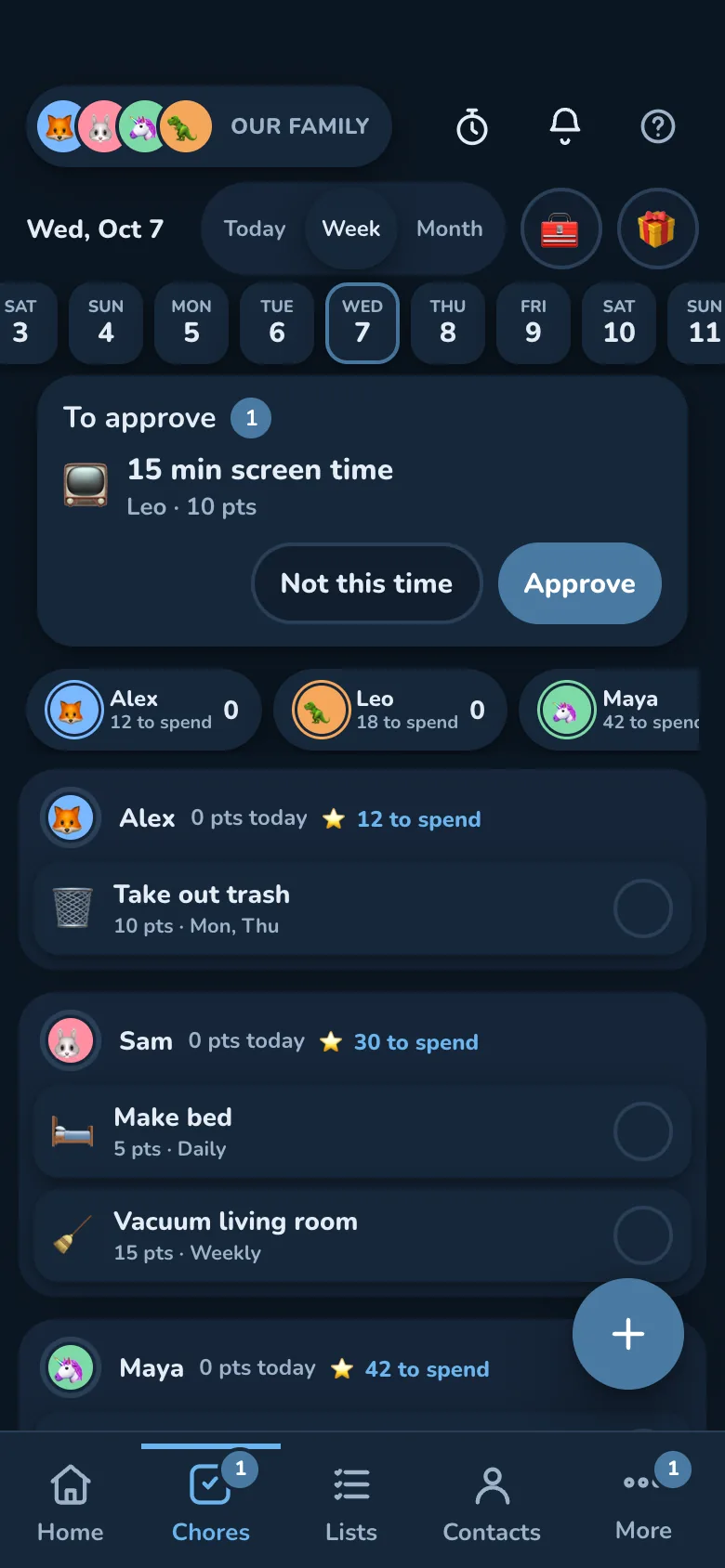
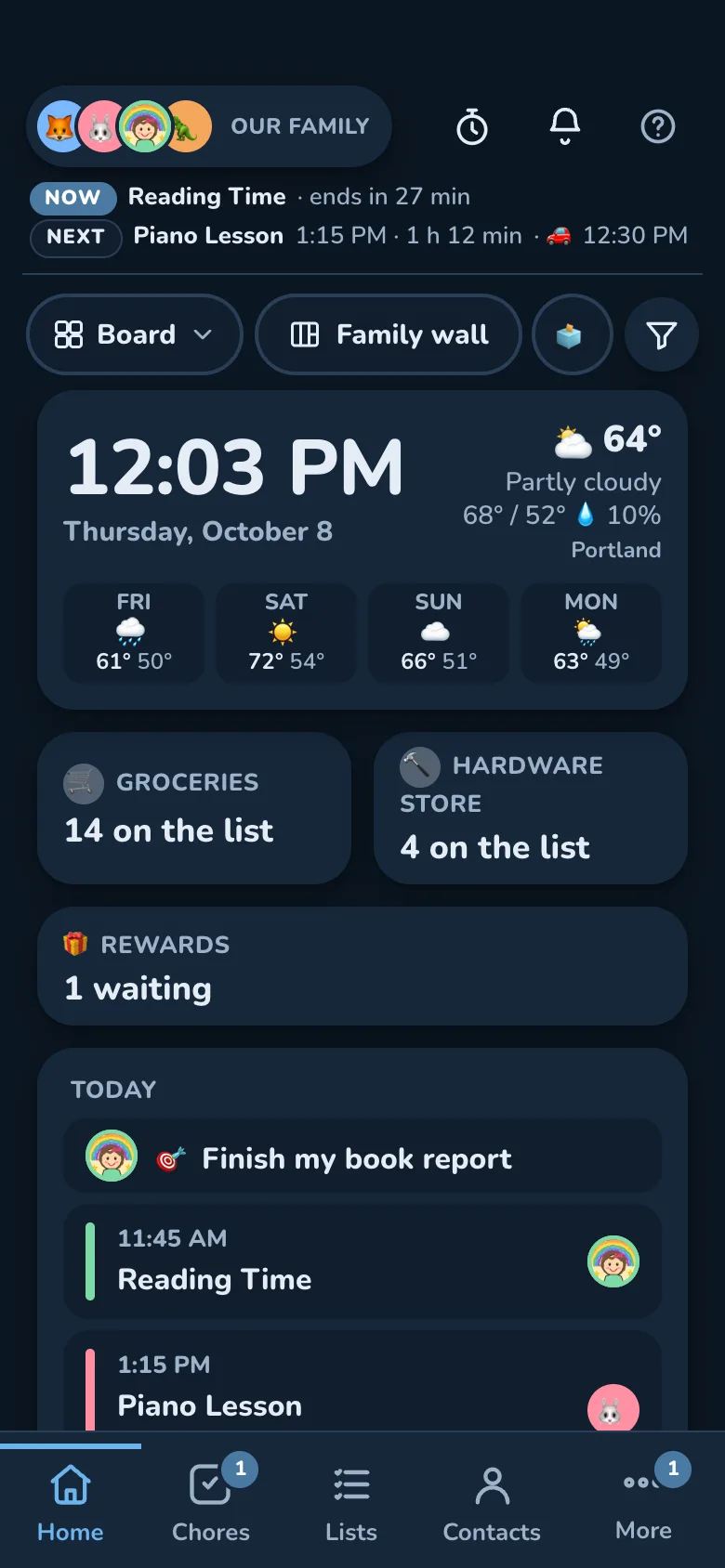
Your family's look
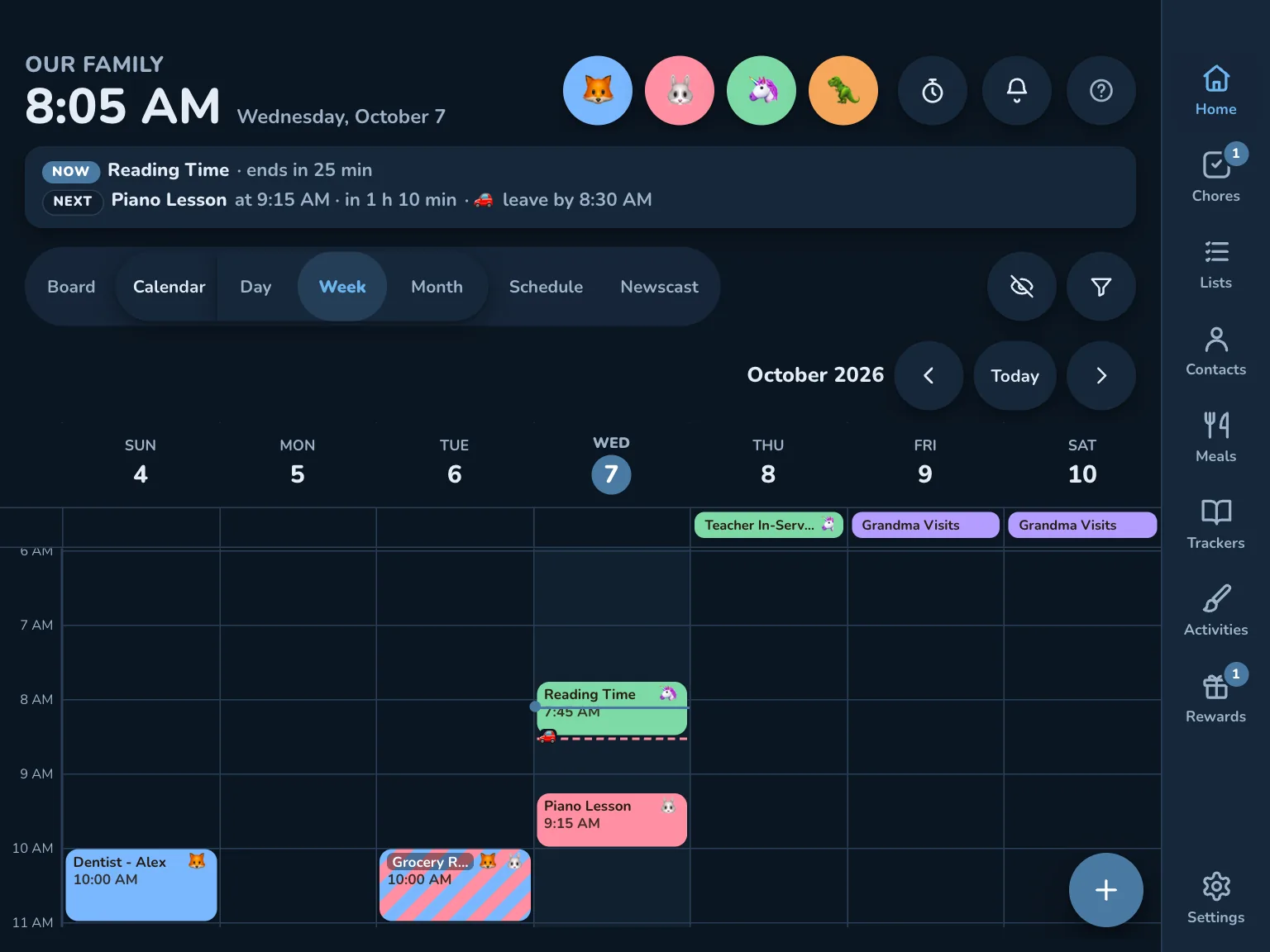
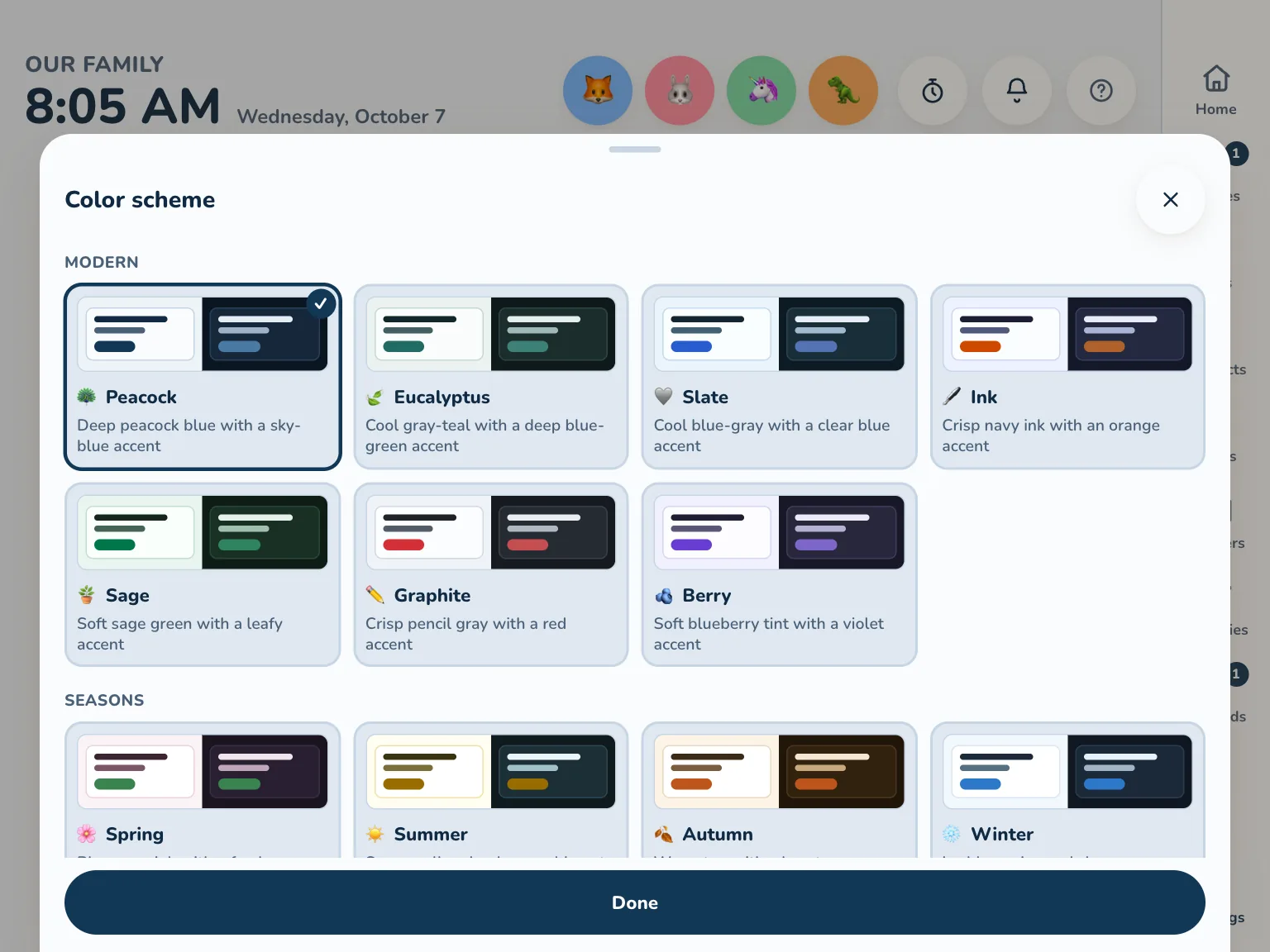
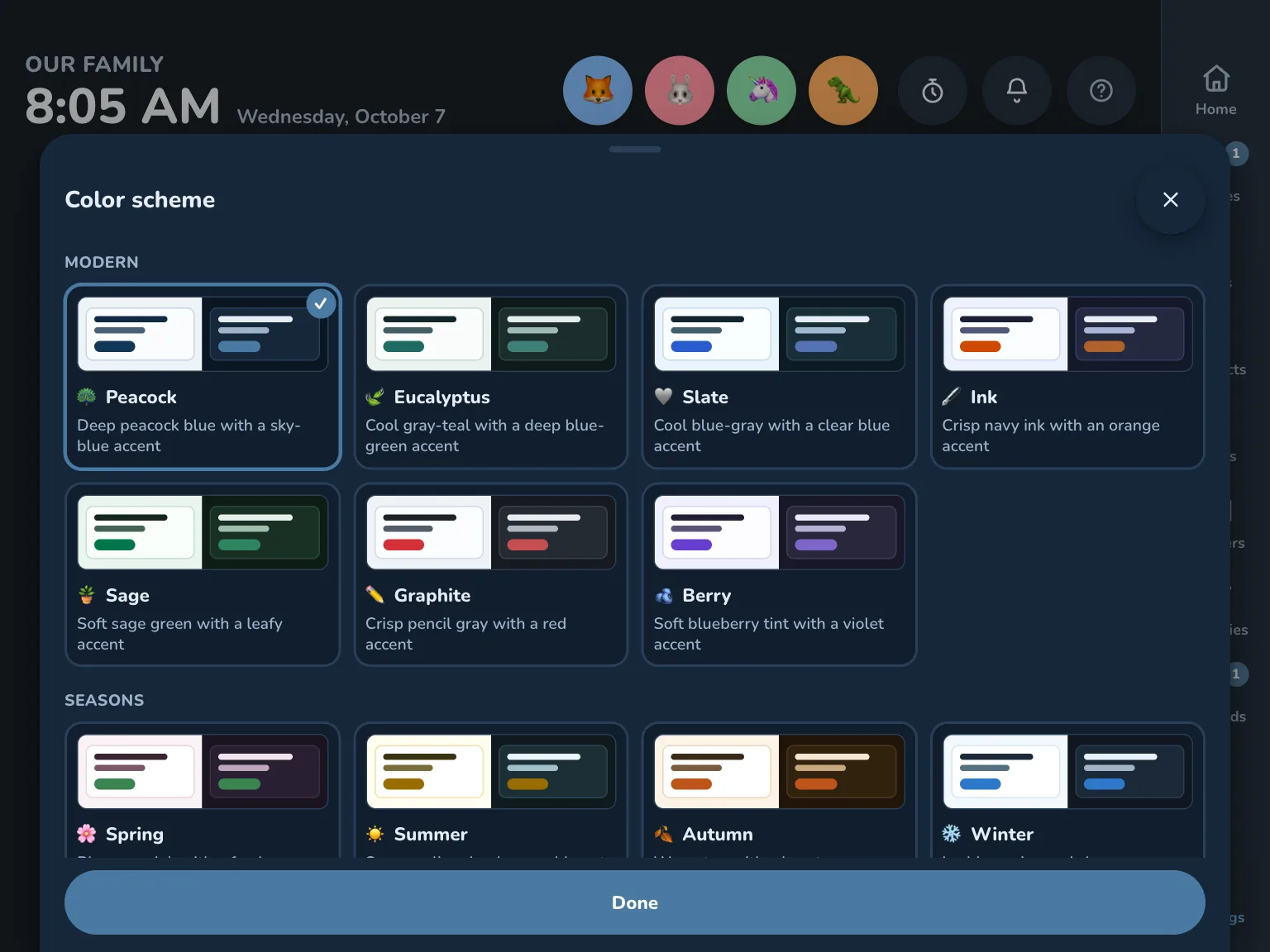
Eighteen color schemes checked for contrast, a seasonal switch or your own, light and dark. The whole family can share one, or each screen picks its own.
Your calendar, chores and photos live in a database you own. No ads, no tracking, no one else's cloud.
No passwords to remember
Parents sign in with a passkey (Face ID, a fingerprint or the screen lock), with recovery codes as a backup, and the phone app signs in the same way. Wall screens and kids' tablets pair with a code and never see the family's settings.
Health stays locked
Medicines and checkups are always encrypted. Webhooks never see what's in them, and connected apps can't see them until you turn that on.
Take it with you
Export your family's data as one file (photos as a zip) and import it into another Kinwall, or delete it all yourself.
Nothing held back
Every feature is in the open-source app (AGPL). What you see in the demo is all of it.
Open to read
The code is on GitHub, so anyone can check what it does with your data.
Plays well with your home
Everything the app does goes through the same documented API, so your automations can do it too.
Home Assistant
Calendars, to-do lists, points and chore sensors, and a switch for the Night screen. The integration.
Connected apps (MCP)
A standard API with OAuth sign-in: connect any MCP-compatible client you choose to add events, plan meals or check the list, with your permission. MCP server.
REST API and webhooks
OpenAPI docs at /docs, and signed webhooks for your own automations, including n8n.
Build an activity
Learning games are small sandboxed web pages. Start from the hello-world starter.
Run it yourself
Pick what you have. New to running apps at home? The easy guide walks you through it.
Home Assistant
App (add-on)
Already run Home Assistant? Install Kinwall as a Home Assistant app (add-on), then add the integration.